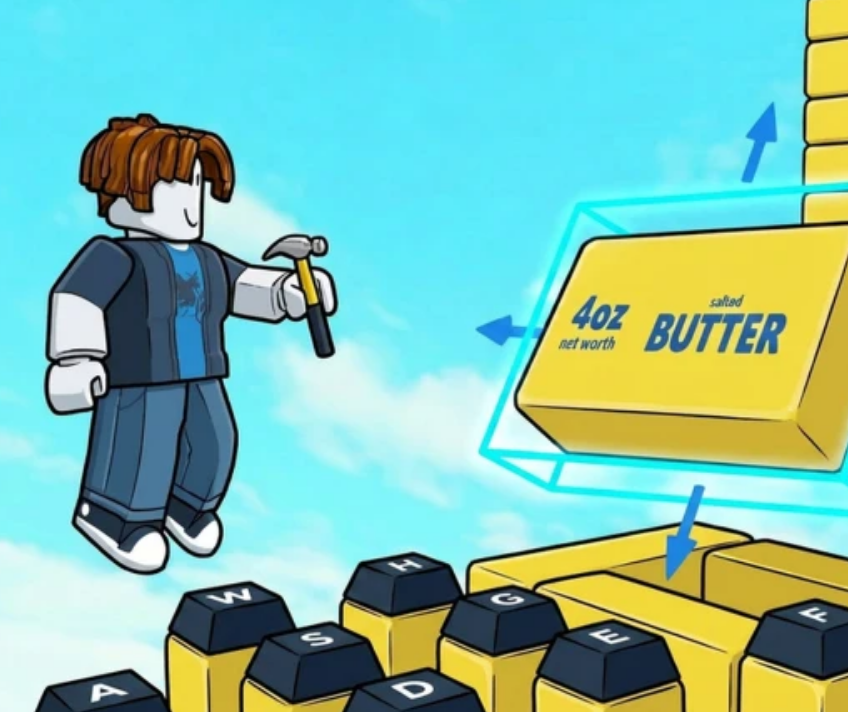
Build an ASMR Tower AFK Guide
In Build an ASMR Tower, passive income is the beating heart of your progression. While active play and parkour building are fun, your plot continues to generate Cash every second you remain in the server. To reach end-game milestones, you need an optimized AFK (Away From Keyboard) strategy.
This guide covers the most efficient plot layout geometries, how to manage collector capacity, and essential tips to prevent getting kicked for inactivity.
1. Optimal Plot Layouts for Maximum Cash/Sec
Not all block arrangements are created equal. To get the highest income density out of your plot footprint, avoid spreading your blocks thin vertically early on.
The "Grid Matrix" Layout (Best for Early-to-Mid Game)
- Structure: Place your highest-earning sound blocks (like Keyboard Switches and Bubble Wrap) side-by-side in a tight, flat $N \times N$ grid directly around your spawn point.
- Why it Works: Minimizes empty space and ensures that walking or jumping anywhere within your core area triggers multiple block sounds and collection ticks simultaneously.
The "Conveyor Loop" Layout (Best for Mid-to-Late Game)
- Structure: Arrange a continuous loop using speed strips, bounce pads, and sloped ASMR blocks (such as Kinetic Sand and Slime).
- Why it Works: If you leave your character walking or sliding in an infinite loop, your avatar constantly triggers active collision sounds, increasing continuous reward triggers while you step away.
2. Managing Collector & Bag Capacity
Setting up a high-income plot is useless if your storage caps out while you are away.
- Prioritize Storage Upgrades: Before starting a long AFK session, invest your Cash into upgrading your Collector Capacity and Max Plot Footprint.
- Auto-Collect Upgrades: Ensure your plot’s auto-collector radius covers 100% of your placed revenue blocks so no floating Cash drops despawn over time.
3. How to Prevent Getting Kicked (Anti-AFK Setup)
Roblox automatically disconnects players after 20 minutes of inactivity (Error Code 268 / Idle Disconnect). To keep your server session active and grinding continuously:
In-Game Movement Loops
- Bounce Pad Traps: Build a small $2 \times 2$ walled box using bounce pads on all four sides and the floor. When your character drops inside, they will perpetually bounce in random directions, keeping the server from flagging you as idle.
- Water / Conveyor Channels: Place your character in a continuous swimming or sliding loop using stream blocks.
Roblox Client Best Practices
- Lower Graphic Settings: Reduce your graphics quality to 1 in the Roblox menu to prevent your device from overheating or crashing during long idle sessions.
- Privatize Your Server (If Available): If public server lag causes disconnects, consider using a free or low-cost VIP server for uninterrupted AFK farming.
4. AFK Efficiency Summary Checklist
Before leaving your game running overnight or while at work:
- [ ] Is my Collector Capacity fully upgraded?
- [ ] Is my character positioned in a continuous movement loop (e.g., Bounce Box)?
- [ ] Have I lowered my graphics settings to reduce memory leaks?
- [ ] Are my Fuse Machine crafting queues filled and running?