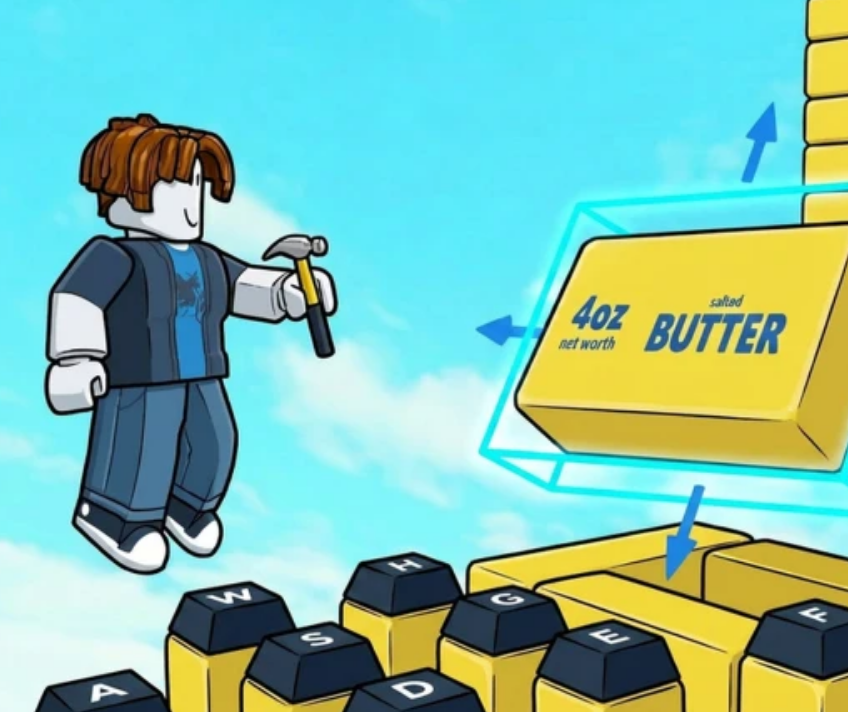
How to Build & Publish the Ultimate Obby in Build an ASMR Tower (Worlds Feature Guide)
While passive cash generation is the foundation of Build an ASMR Tower, the real creative fun begins when you turn your plot into a custom Obby (Obstacle Course). Building an engaging, playable tower not only showcases your collection of rare sound blocks, but publishing it to the Worlds lobby can earn you community visits, likes, and global recognition.
This guide details step-by-step how to construct a high-performing ASMR Obby and optimize it for top rankings in the game's public showcase.
1. Essential Principles of ASMR Obby Design
A successful ASMR Obby balances gameplay difficulty with audio satisfaction. If your course is too frustrating, players will leave; if it lacks sound feedback, it defeats the purpose of the game.
Sound Sectioning (Audio Themes)
Instead of placing random sound blocks everywhere, group your blocks into distinct audio zones as players climb higher:
- Base Level (Low Pitch / Soft): Memory foam, slime, and kinetic sand blocks for a quiet, subtle start.
- Mid Level (Crisp / Tactile): Bubble wrap and mechanical keyboard switches (clicky/tactile) to ramp up sensory feedback as the parkour intensity builds.
- Top Level (High Energy / Metallic): Fidget rollers, bell plates, and high-tier fusion blocks for a rewarding finale upon reaching the summit.
Mechanical Variety
Incorporate interactive movement blocks alongside static income blocks:
- Bounce Pads: Use for big vertical jumps or gap crossers.
- Speed Strips & Ice Blocks: Add fast-paced, precision-timed segments.
- Sliding Slopes: Allow players to slide down acoustic pathways for continuous ASMR sound triggering.
2. Step-by-Step: How to Build Your Tower
- Build a Sturdy Foundation: Start with a clean, wide base. Use C-Tier structural blocks (stone or wood) for main pillars so you don't waste high-earning footprint space.
- Pathing & Sightlines: Ensure the parkour route is clear. Use contrasting block colors or light fixtures to highlight where the player needs to jump next.
- Pacing and Checkpoints: Place rest platforms every 5–10 vertical jumps. This gives players a breath of air and lets them appreciate the passive ASMR sounds emitting from nearby blocks.
- Playtest Thoroughly: Always run through your own course from bottom to top without using fly tools or admin perks. If a jump feels inconsistent or clunky, adjust block alignment using grid-snapping tools.
3. How to Publish Your Tower to "Worlds"
Once your tower is built and playtested, you can share it with the Roblox community through the Worlds feature:
- Open the Plot / Settings Menu on the right side of your screen.
- Select the Publish to Worlds tab.
- Give your tower a catchy Title and select relevant tags (e.g., Hardcore Parkour, Relaxing ASMR, Speedrun).
- Pay the small publication listing fee (in Cash or Gems) and click Confirm.
4. Tips to Get Featured on the Worlds Leaderboard
The Worlds lobby ranks community creations based on total visits, play duration, and player likes. Use these strategies to boost your tower's performance:
- Create a "Reward Room" at the Top: Place your rare S-Tier fusion blocks, custom interactive gadgets, or a photo-worthy viewpoint at the peak. Players who reach the end are far more likely to leave a Like before exiting.
- Keep the Start Accessible: Avoid making the very first jump hyper-difficult. Let players experience the satisfaction of the initial sound blocks before introducing challenging parkour mechanics.
- Optimize for Mobile Players: A large portion of Roblox players use touchscreen devices. Ensure your jump spacing isn't overly reliant on sub-pixel precision clicks.